
Captain's Brief · MedDeck · 14 min read · Oct 5, 2026
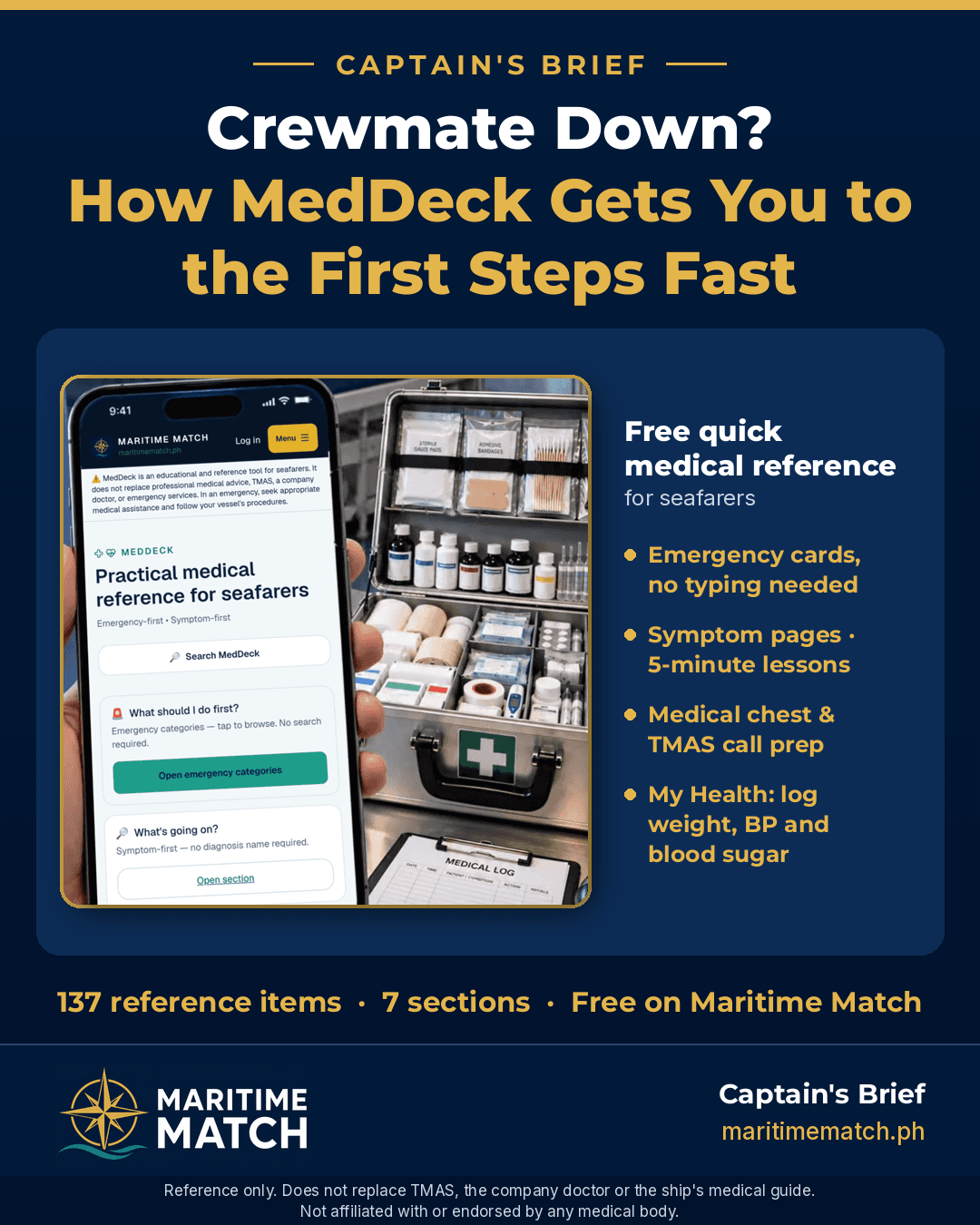
Crewmate Down? How MedDeck Gets You to the First Steps Fast
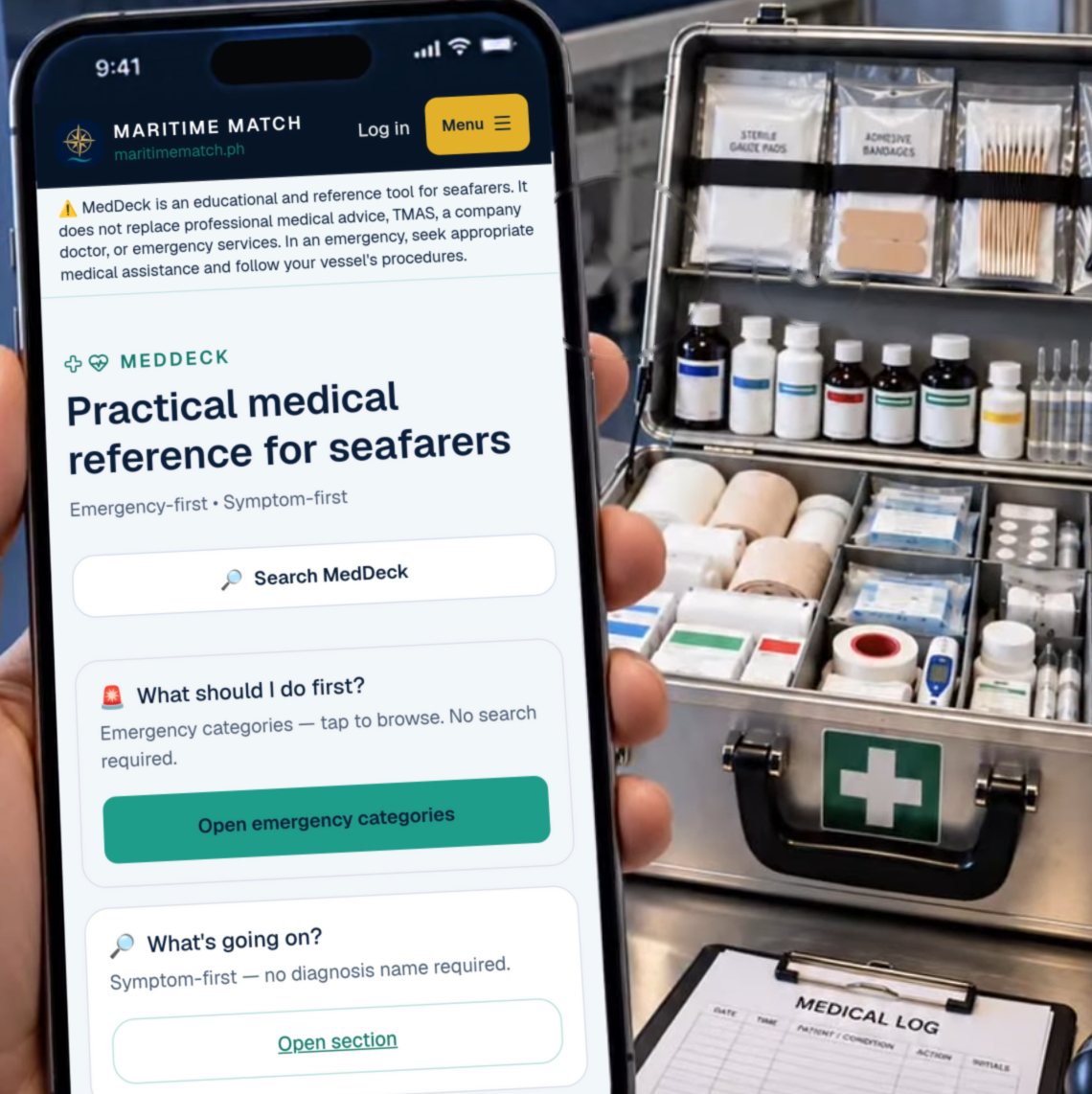
MedDeck beside the medical kit: start from what you see, no typing needed.
At sea, the doctor is not down the hall. When a crewmate gets hurt or suddenly feels unwell, the first person on scene is usually another seafarer. MedDeck is a free medical reference and learning aid on Maritime Match. It helps that person find the first steps quickly, prepare the right information for medical assistance, and learn the basics before anything happens.
Quick answer: MedDeck is free at maritimematch.ph/med-deck. It has 137 numbered reference items in six sections: WHAT SHOULD I DO FIRST? (emergency cards), WHAT'S GOING ON? (symptom pages), Medical Knowledge, Learning (5-minute lessons), Medical Chest and Medical Assistance, including how to prepare for a TMAS call. A seventh section, My Health, lets you keep your own log of 8 measurements, such as weight, blood pressure and blood sugar, with your free seafarer account. Search covers everything. Guests can open all 15 emergency cards and the first 3 items in each of the other five sections, 30 items in all. MedDeck is a reference and learning tool only. It does not replace TMAS, your company doctor, the ship's medical guide or your vessel's procedures.
Why I built MedDeck
The medical guide and the MFAG we carry onboard are thick books, and they need to be. They are complete references. But when a crewmate collapses in the engine room or stops responding in his cabin, nobody wants to be flipping through pages looking for the right chapter. On a ship, every minute before help arrives counts.
I built MedDeck for two reasons:
- A quick digital reference when it matters. The emergency cards get you to the first steps fast, for situations like an unresponsive crewmate or someone who is struggling to breathe, without searching through a thick book. Tap WHAT SHOULD I DO FIRST? and the categories are right there, with no typing needed. Each card points you to your ship's own procedures and your training, like your vessel's CPR and AED procedure, and helps you get the information ready for TMAS. It doesn't replace the books onboard or your training. It helps you reach the right steps faster.
- A place to keep your own health numbers. Most crew I've sailed with keep an eye on their health: their weight, their blood pressure, their sugar. Usually it's written in a notebook or kept in your head. My Health lets you keep a simple, dated tally of your own readings, so you can see how they change over a contract and have them ready when you see the company doctor or a clinic.
When I planned MedDeck, I set a few firm rules:
- Reference and learning only. MedDeck does not replace TMAS, the company doctor, the ship's medical guide or your vessel's procedures.
- No guessing. No diagnosis, no medicine doses, no alarms. It points you to the right help.
- Plain words for the crewmate on scene, not for a hospital.
- Free for seafarers.
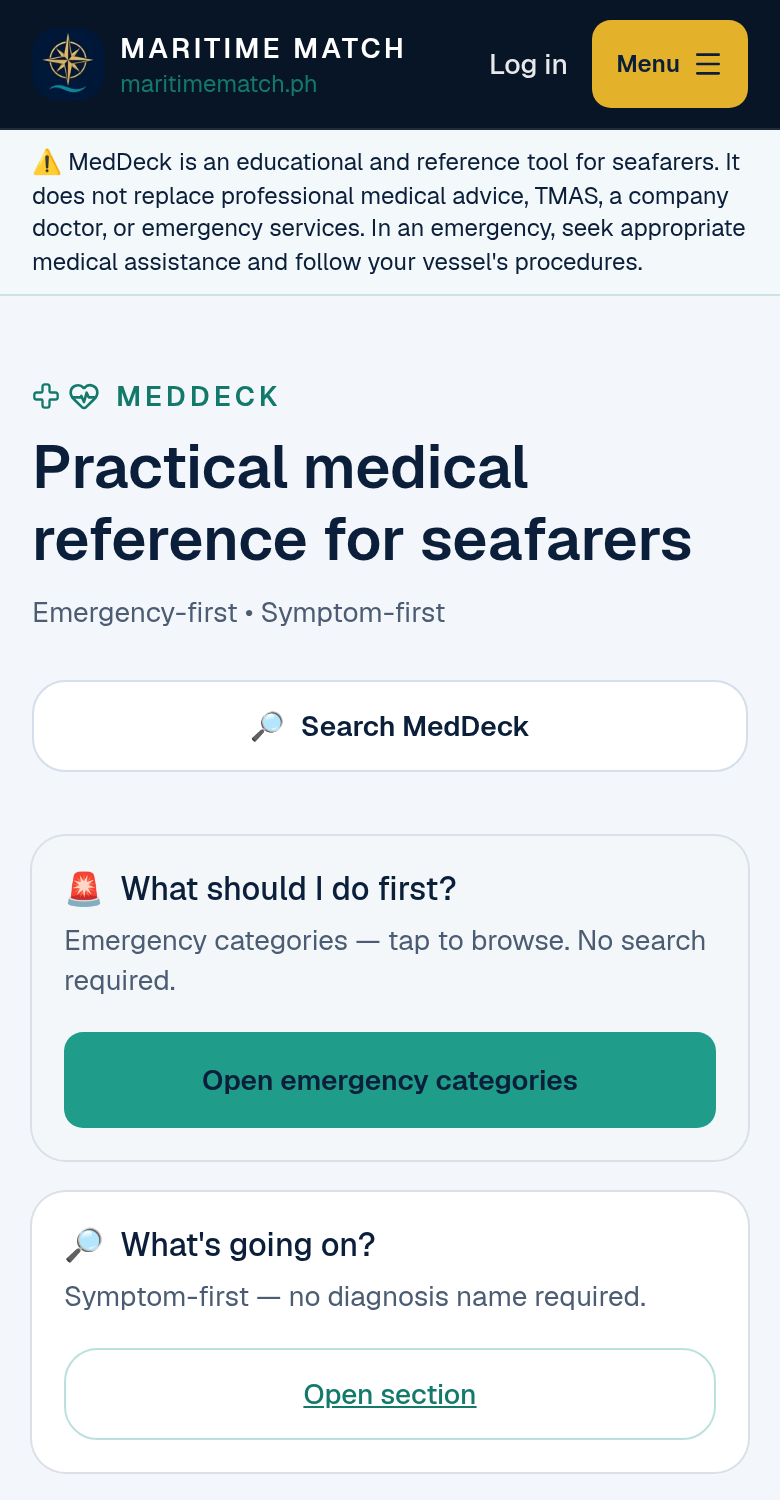
The MedDeck home screen: emergencies first, then symptoms, knowledge, lessons and more.
How to use MedDeck, step by step
1. Open MedDeck and read the disclaimer
Open maritimematch.ph/med-deck. The first time you visit, MedDeck shows a short notice. Read it, then tap Continue to MedDeck. The same notice appears at the bottom of every MedDeck page:
"⚠️ MedDeck is an educational and reference tool for seafarers. It does not replace professional medical advice, TMAS, a company doctor, or emergency services. In an emergency, seek appropriate medical assistance and follow your vessel's procedures."
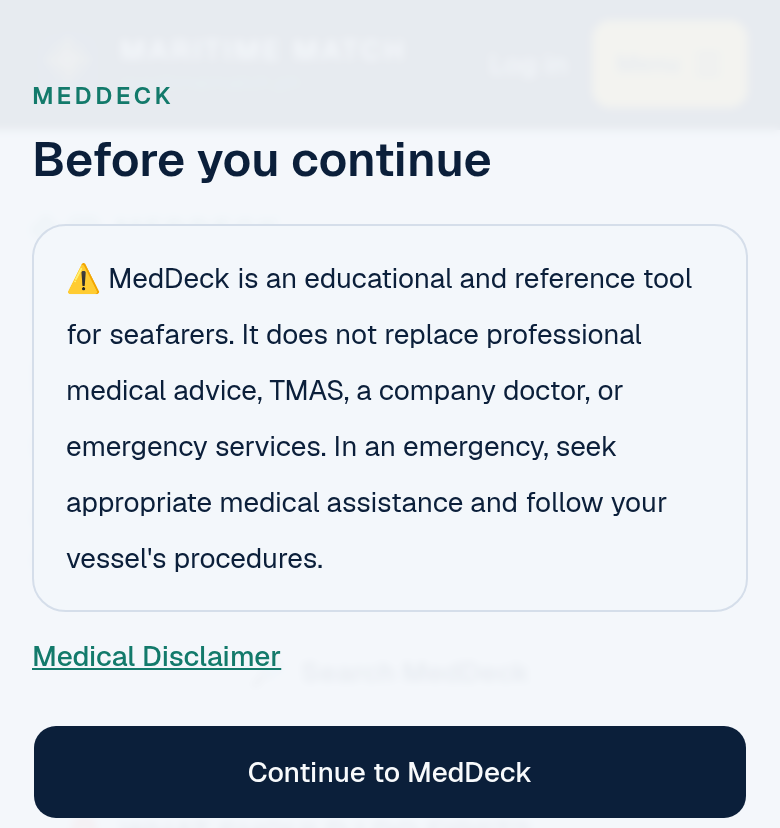
The first-visit notice. MedDeck is a reference, not a replacement for medical help.
2. In an emergency: WHAT SHOULD I DO FIRST?
This is the heart of MedDeck. Tap Open emergency categories and you see a list of emergencies, like an unresponsive person, CPR and AED, difficulty breathing or severe bleeding. You don't need to type or know a medical term, and you don't need an account: all 15 emergency cards are open to everyone.
Each emergency card follows the same order, so you always know where to look:
- What should I do first? The first steps, such as making sure the scene is safe, checking if the person responds, and raising the alarm according to your vessel's procedures.
- What this may look like
- What should I check?
- What should I avoid?
- When should I get medical assistance?
- What information should I prepare for TMAS / medical assistance?
- Related symptoms and equipment
- Important safety note
The cards don't give compression rates, medicine doses or device settings. For CPR and the AED, they point you to your vessel's approved procedure, your training and the AED's own instructions.
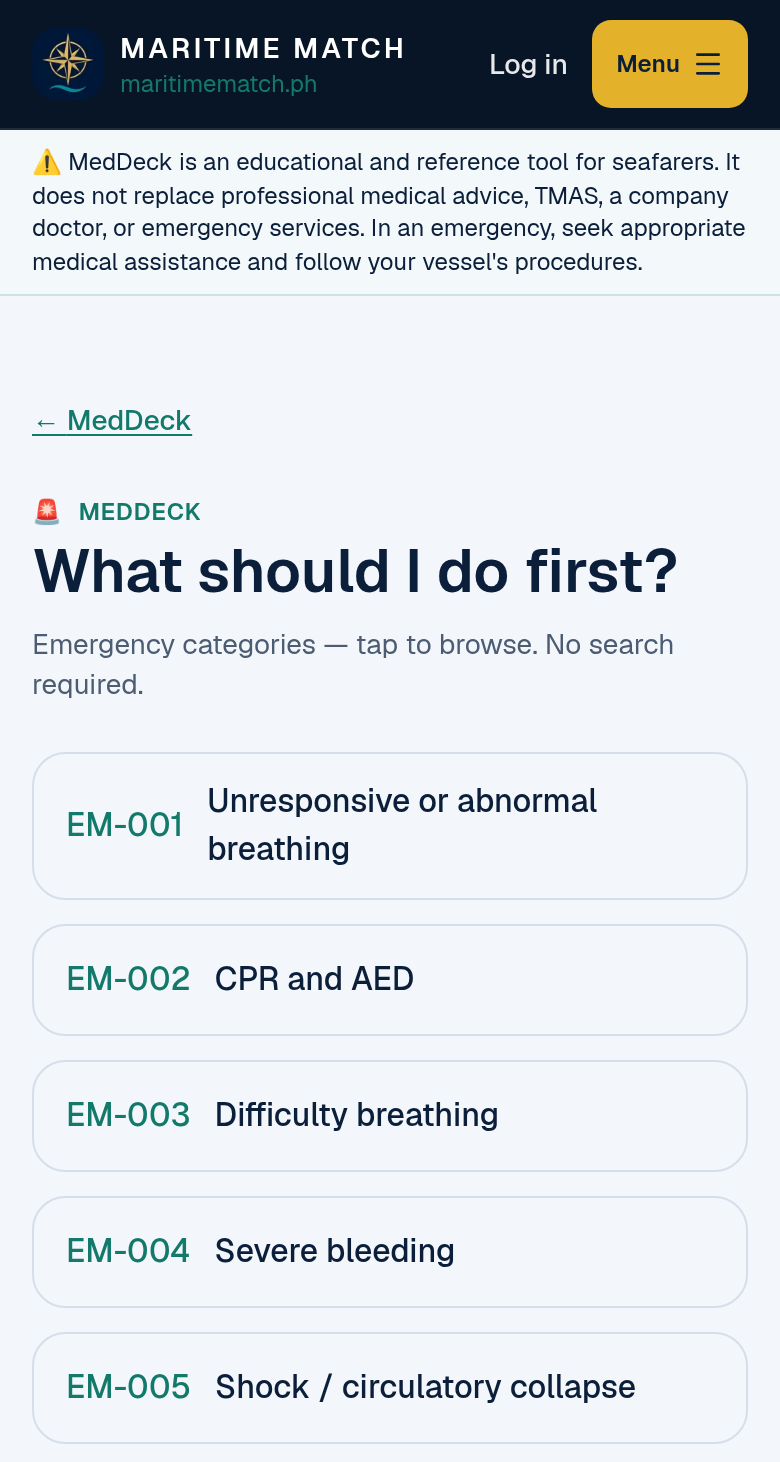
The emergency list. All 15 cards open without an account: tap the situation in front of you.
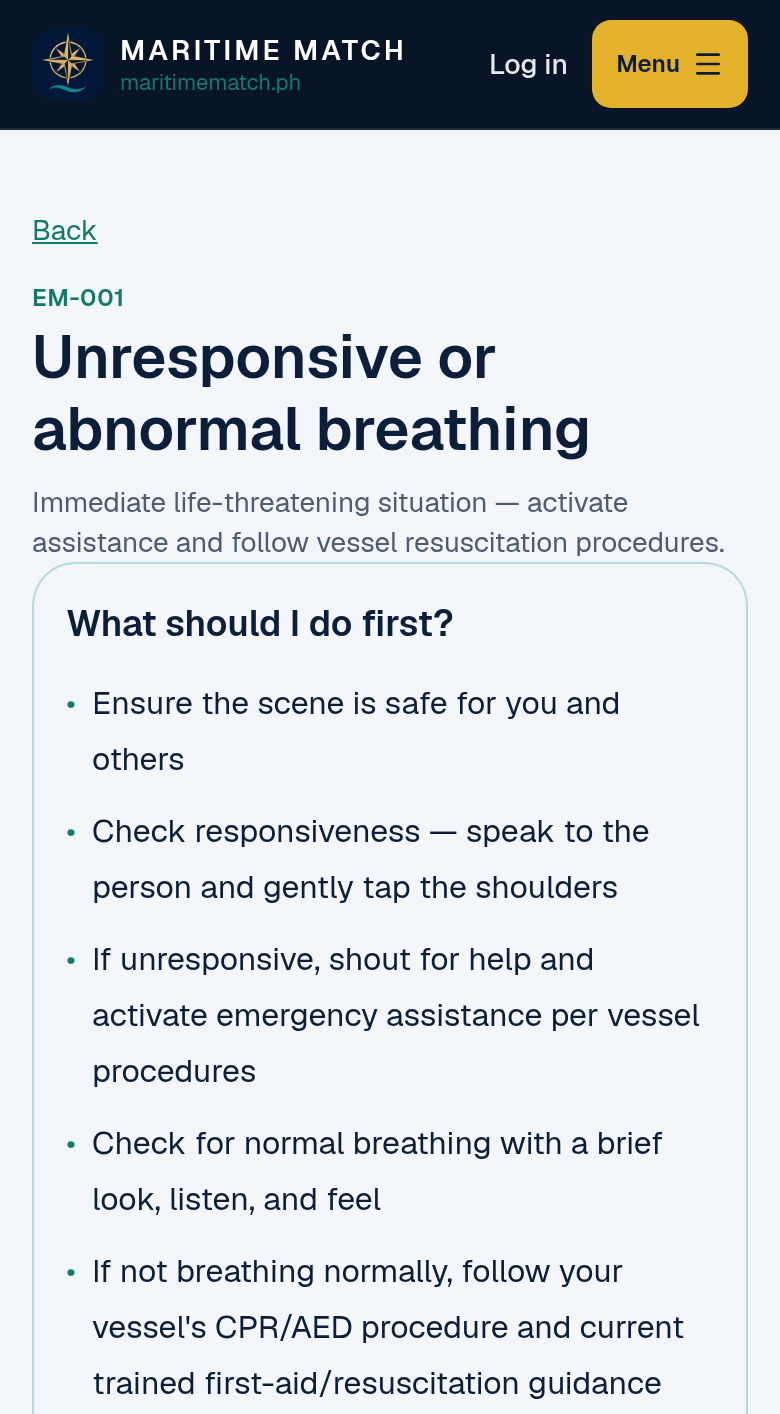
Card EM-001: the first steps, pointing to your vessel's procedures and training.
3. Get ready for the TMAS call
Every emergency card ends with a short list of what to have ready before you call TMAS or your company's medical assistance: what happened and when, the person's condition, what you have done so far, and the vessel position and communication details your procedure asks for. When the doctor on the radio or phone asks questions, you already have the answers.
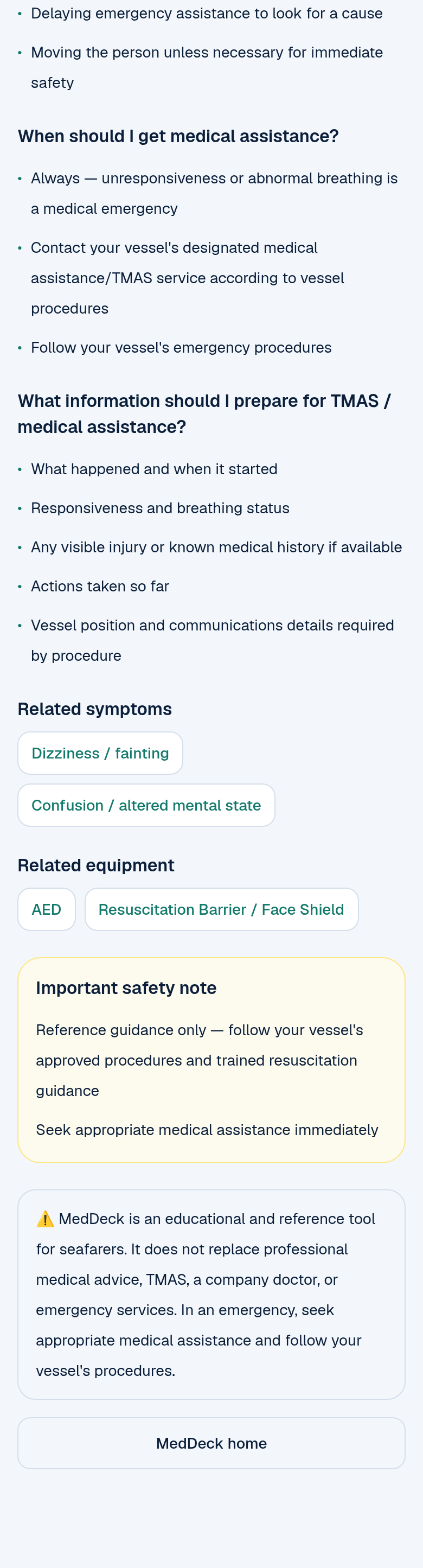
The TMAS prep list, related links and the safety note at the end of every emergency card.
4. Not sure what's wrong? Try WHAT'S GOING ON?
Something you might not expect: MedDeck also has symptom pages. Your crewmate says he has chest pain, feels dizzy or has a fever. You don't need to know the name of the illness. Open WHAT'S GOING ON?, tap the symptom, and the page explains:
- what to do now
- what the symptom can mean, in general terms
- what to check
- what can make it urgent, with a link to the matching emergency card
- when to seek medical assistance and what to prepare
Each page reminds you that it orients you to a symptom. It does not confirm a condition.
5. Learn the basics: Medical Knowledge
The Medical Knowledge section has short reference topics on first aid, wounds, bleeding, burns, seasickness, fever and infection, and other shipboard health issues. Each topic explains what it is, why it matters onboard, the common signs, what can cause it, how to reduce the risk, and when to get help.
6. Five minutes between watches: Learning
Another feature worth a look is Learning: 5-minute lessons you can read on a break. Each lesson has six short parts: Why this matters, Know this, Recognize it, At sea, Remember and Explore MedDeck, with links to related cards. There's no test or score. Just read, and you'll be better prepared before anything happens.
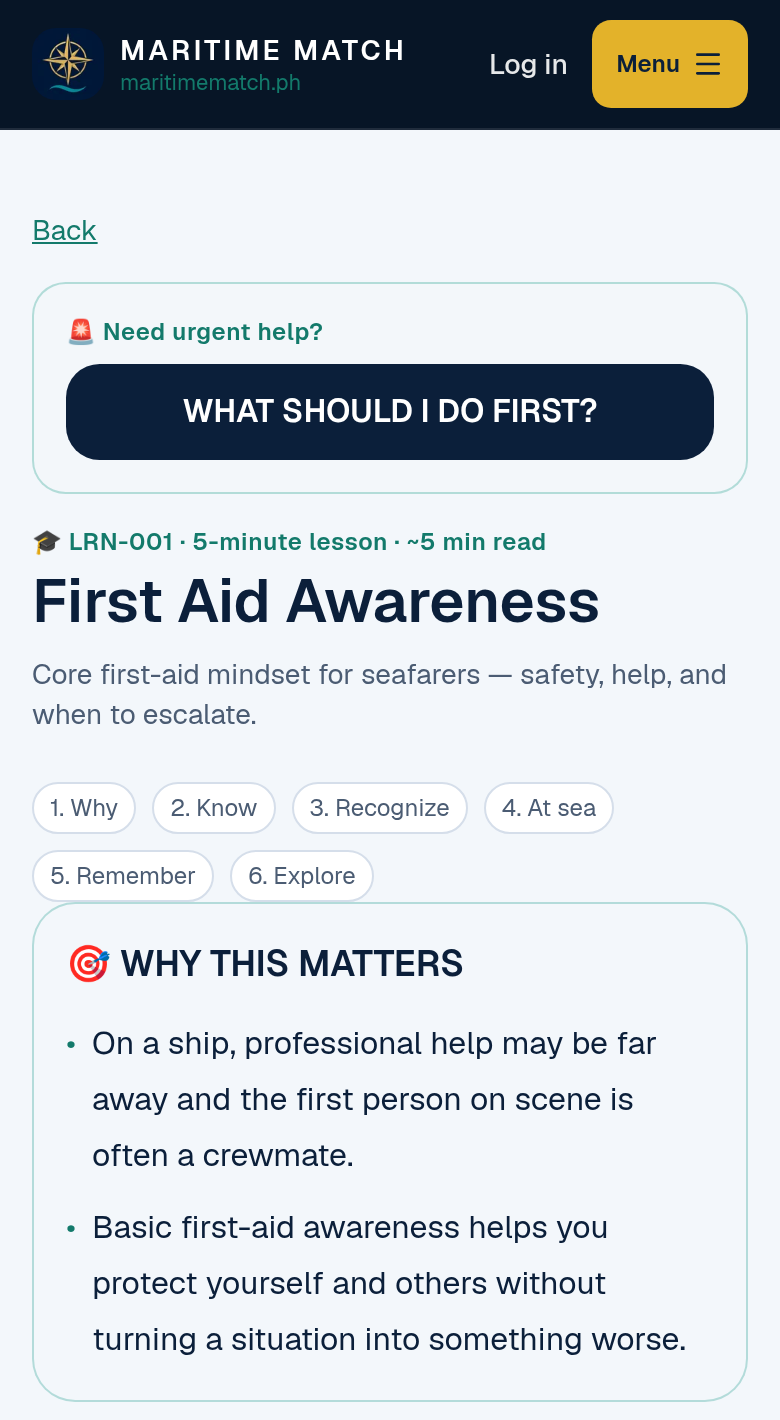
A 5-minute lesson. Six short parts, written for life at sea.
7. Know your Medical Chest
The Medical Chest section explains common medical equipment and supplies, like the AED, medical oxygen, masks and burn dressings. It tells you what each item is, what it's generally used for, and what a seafarer should know, such as checking where the AED is stowed and who is trained to use it. Every item says "Availability: variable by vessel", because no two ships carry exactly the same stores. Always follow your own vessel's medical stores list.
8. Medical Assistance and TMAS
The Medical Assistance section explains when to seek professional help, how emergency assistance works on board, and what TMAS (Telemedical Maritime Assistance Service) is. MedDeck doesn't list phone numbers. Your TMAS contact details come from your vessel and company, and the Master stays responsible for the decision.
9. Follow the related links
Every card links to related cards in other sections. An emergency card links to the matching symptoms and equipment. A lesson links to the reference topic and the emergency card. One tap takes you from "what should I do first?" to "what equipment might I need?" without going back to the menu.
10. Search everything
Tap Search MedDeck and type a word, like burn, fever or seasickness. Results appear as you type, from emergencies, symptoms, knowledge topics, lessons, equipment and assistance. A WHAT SHOULD I DO FIRST? button stays at the top of the search page, in case it's urgent.
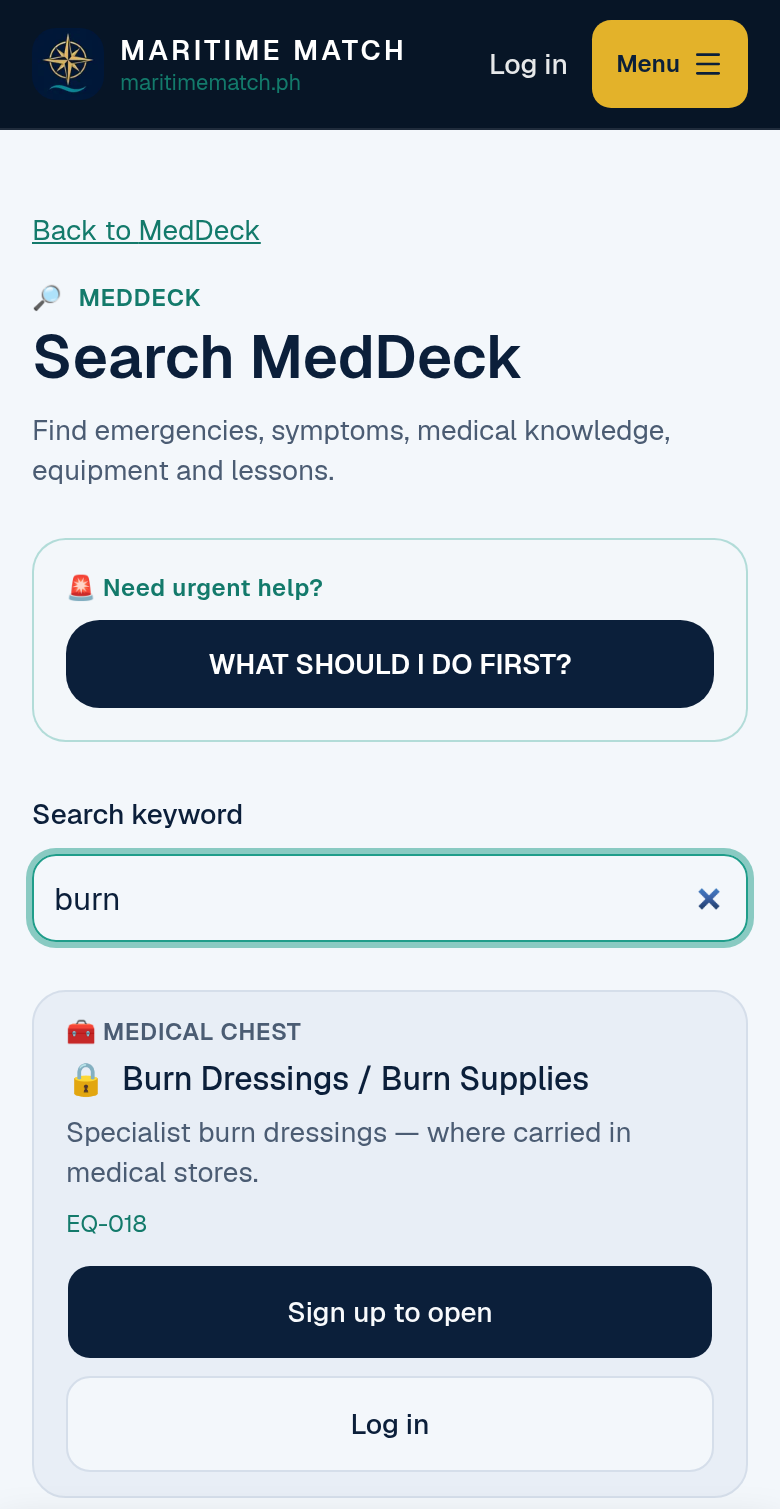
Search covers every section. Guests see all results; emergency cards open for everyone, and a free account opens the rest.
11. Keep your own health log: My Health
With your free seafarer account, open My Health and tap to record a reading. You can log 8 measurements:
| Measurement | Unit |
|---|---|
| Blood pressure (upper and lower) | mmHg |
| Heart rate | bpm |
| Blood sugar (glucose) | mmol/L |
| Body temperature | °C |
| SpO₂ (oxygen saturation) | % |
| Weight | kg |
| Height | cm |
| BMI | kg/m² |
BMI is worked out for you from your latest height and weight. You don't type it in. Each reading is saved with the date and time, and you can add your own health record notes (for example, "Routine check before joining vessel"). The history page shows your readings day by day, so you can see how your numbers change over a contract.
My Health only records your numbers. It doesn't label them as normal or high, and it doesn't give alerts. If you are worried about a reading, talk to your company doctor or follow your vessel's medical procedures.
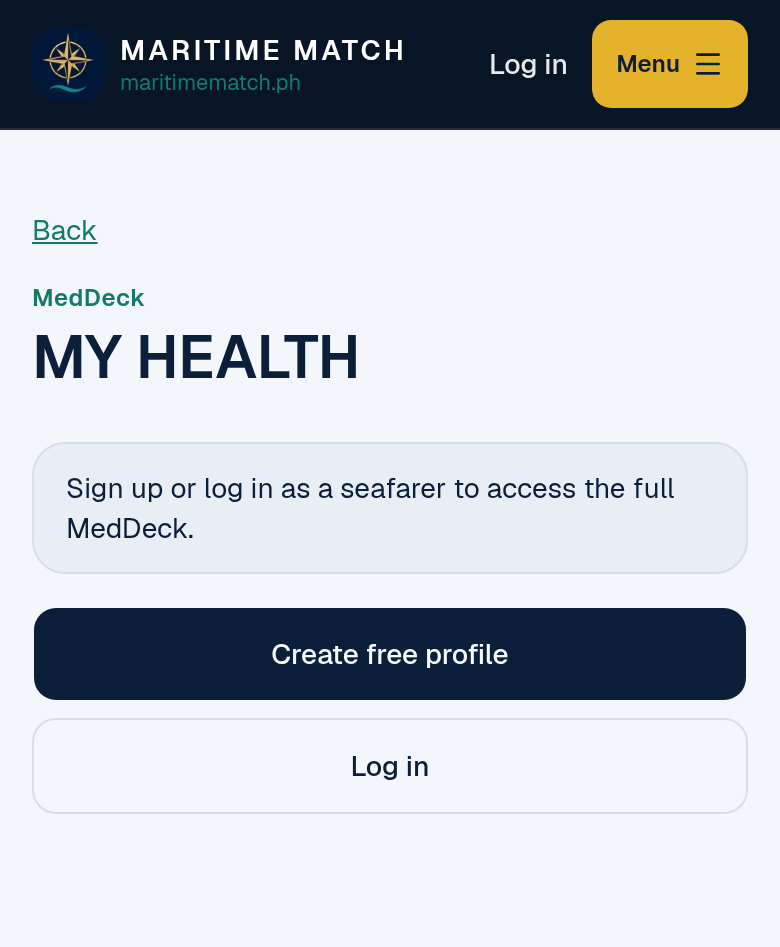
My Health is for signed-in seafarers only. Your log stays with your account.
What's free for guests, and what a free account adds
| Guest (not signed in) | Signed-in seafarer (free account) | |
|---|---|---|
| See all 7 sections | ✅ | ✅ |
| Emergency cards (WHAT SHOULD I DO FIRST?) | ✅ All 15 | ✅ All 15 |
| Other reference sections (symptoms, knowledge, lessons, medical chest, assistance) | The first 3 in each section (15 items) | ✅ All 122 |
| Total reference items you can open | 30 | ✅ All 137 |
| Search MedDeck | ✅ See every result; locked items show 🔒 | ✅ Every result opens |
| Related links | ✅ Between open items | ✅ |
| My Health (8 measurements, notes, history) | Sign in required | ✅ |
| Cost | Free | Free. No seafarer fees |
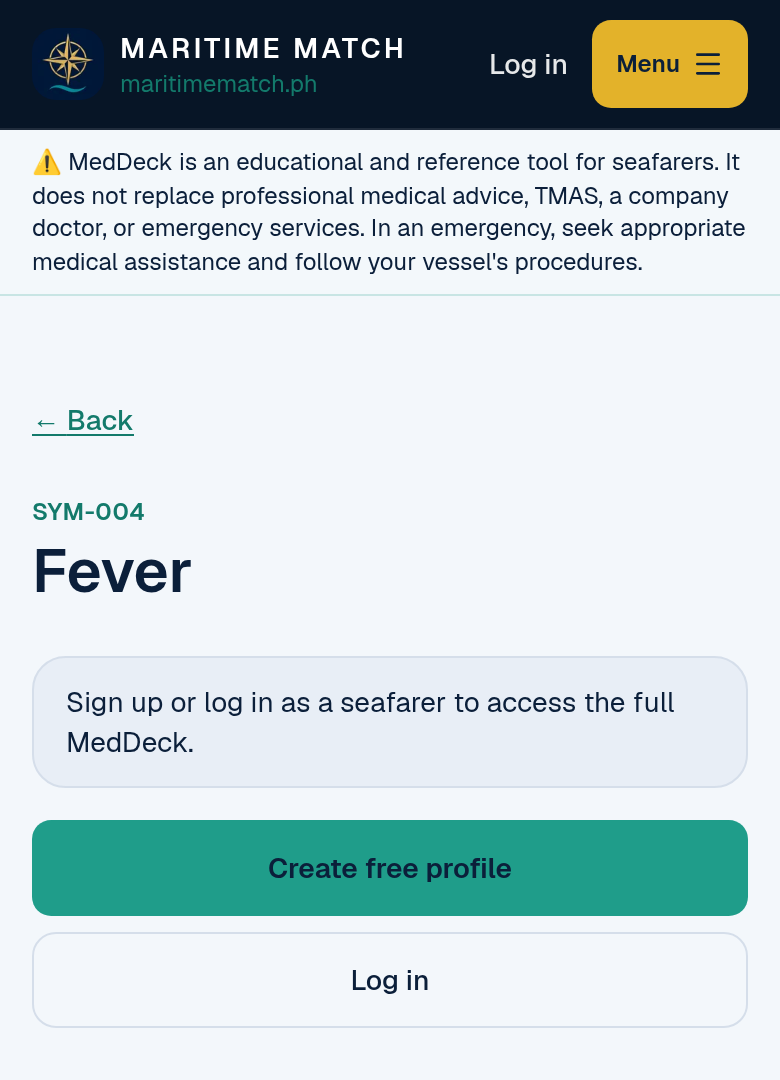
Past the first 3 items in a section, a free seafarer profile opens the rest. Emergency cards never need one.
Frequently asked questions
Is MedDeck free? Yes. Guests can open all 15 emergency cards and the first 3 items in every other section (30 items), and search everything. A free seafarer account opens all 137 items and My Health. Seafarers never pay fees on Maritime Match.
Does MedDeck replace TMAS or the company doctor? No. MedDeck is a reference and learning tool. In an emergency, follow your vessel's procedures and contact TMAS or your company's medical assistance. MedDeck helps you find the first steps and prepare the information they will ask for.
Does MedDeck teach CPR or give medicine doses? No. The CPR and AED card points you to your vessel's approved procedure, your training and the AED's own instructions. MedDeck gives no compression rates, medicine doses or device settings. Keep your first-aid training current as your role requires.
Can MedDeck tell me what illness someone has? No. The symptom pages help you understand what to check and when to get help. They don't diagnose. Only a medical professional can do that.
Does My Health tell me if my blood pressure or sugar is too high? No. My Health keeps a record of your own numbers with the date and time. It doesn't judge them. Bring your history to your company doctor or clinic and ask them.
Where does the MedDeck content come from? MedDeck is written in our own words, with reference to the ICS International Medical Guide for Seafarers and Fishers, the MCA Ship Captain's Medical Guide (MIN 718), MCA MSN 1905 (Ships' Medical Stores), the Resuscitation Council UK 2025 First Aid Guidelines and the IMO Medical First Aid Guide (MFAG). It is not endorsed by any of these organisations.
Can I use MedDeck on my phone? Yes. MedDeck is built for phones first. Open maritimematch.ph/med-deck in your browser. You'll need a connection, so look through the cards and lessons while you have signal, before you need them.
Is Maritime Match a manning agency? No. Maritime Match is an online talent discovery and job information platform. We do not recruit, place or employ seafarers. All hiring is done directly between seafarers and licensed manning agencies or shipowners.
Try MedDeck today
Don't wait for an emergency to find out where things are. Open maritimematch.ph/med-deck, read one emergency card and one 5-minute lesson on your next break. Then create your free seafarer profile to open all 137 items and start your own My Health log.
Free on Maritime Match: MedDeck, Cook Hub and Promotion Reviewer. Not a manning office. No seafarer fees.
MedDeck is an educational and reference tool for seafarers. It does not replace professional medical advice, TMAS, a company doctor, or emergency services. In an emergency, seek appropriate medical assistance and follow your vessel's procedures. MedDeck content is written in our own words with reference to published maritime medical guides. Maritime Match is not affiliated with or endorsed by the ICS, MCA, Resuscitation Council UK or IMO.